How to Install IPTV Smarters on the Firestick
The Amazon Fire TV Stick unfortunately does not have IPTV Smarters in the Amazon App Store, so we have to sideload the application onto the firestick which is an easy process that you can follow below.
This will work on all versions of the Amazon Fire TV Stick, including any version of the Fire TV, Firestick and the Fire TV Cube.
Turn on ADB Debugging & Apps from Unknown Sources
Step 1: Go to the Home Screen on your Fire TV Stick by clicking the Home Button on your Fire TV Stick Remote


Step 2: Go to Settings on the Home Screen of your Fire TV Stick

Step 3: Select My Fire TV from the menu of options

Step 4: Select Developer Options
IMPORTANT: Please see steps below if you don’t see Developer Options on your screen.

IMPORTANT: If you don’t see Developer Options, click on About once under the My Fire TV section.
Notice how Developer Options is missing from the screen below.

Once you click on About, hover over Fire TV Stick and click the OK button on your remote 7 times to become a developer.

When you click the back button now, you will see that Developer Options appears as an option under the My Fire TV section.
Now you can select Developer Options.

Step 5: Turn on ADB Debugging and Apps from Unknown Sources

Install Downloader
Step 1: Go back to the Home Screen on your Fire TV Stick by clicking the Home Button on your Fire TV Stick Remote

Step 2: Go to Find and then click on the Search button. Search for Downloader


Step 3: Select Downloader from the list of options and click Download. Now Downloader will install onto your firestick

Step 4: Click on Open to open the Downloader app

Step 5: Once the Downloader app opens, click Allow then click OK


Install IPTV Smarter
Step 1: Go to the URL area in Downloader and type in https://www.iptvsmarters.com/smarters.apk or 78522 then click Go

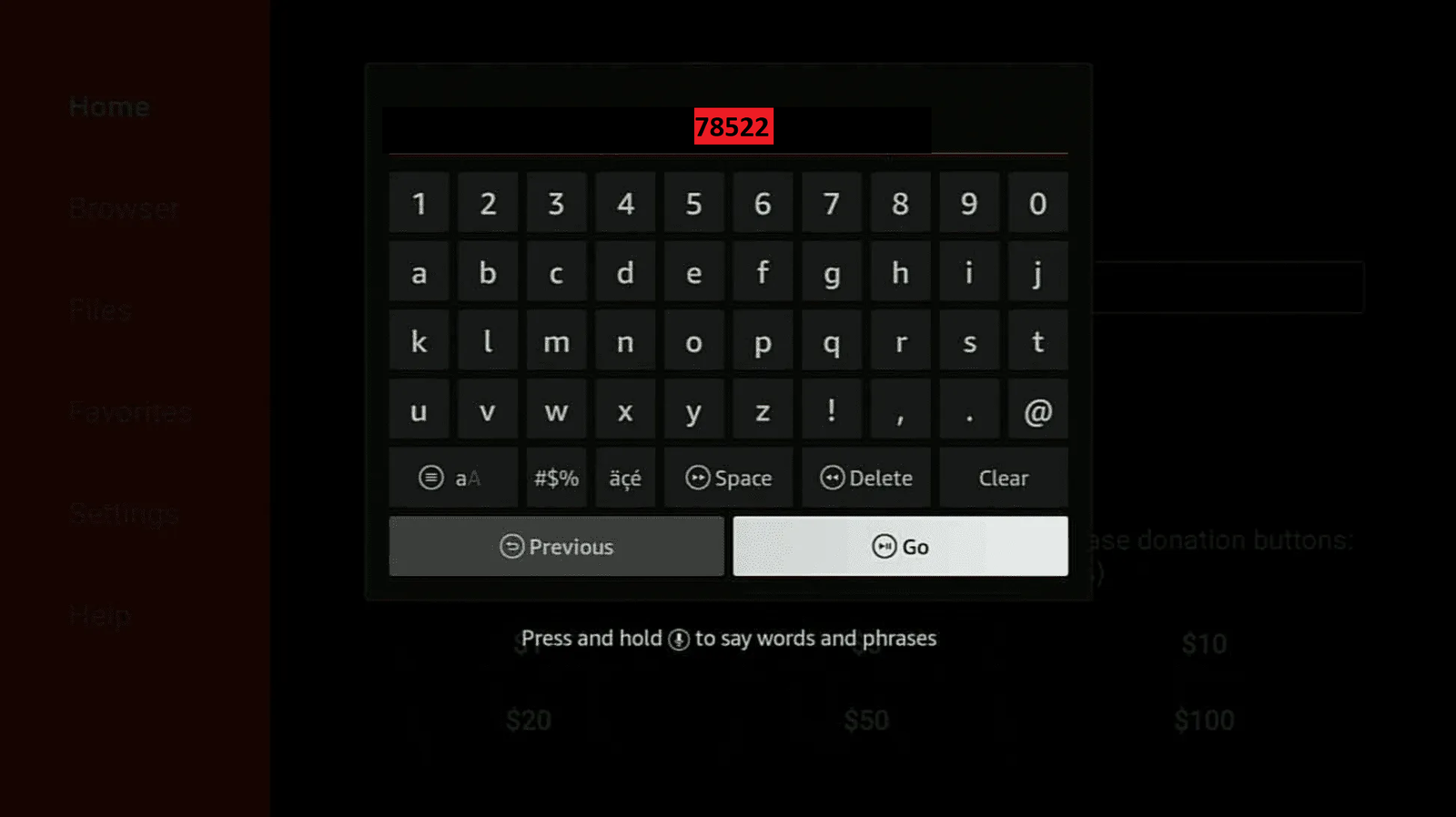
Step 2: When prompted, click on Install. Now IPTV Smarters will install onto your firestick

Step 3 : Open the app and click on Xtream code API
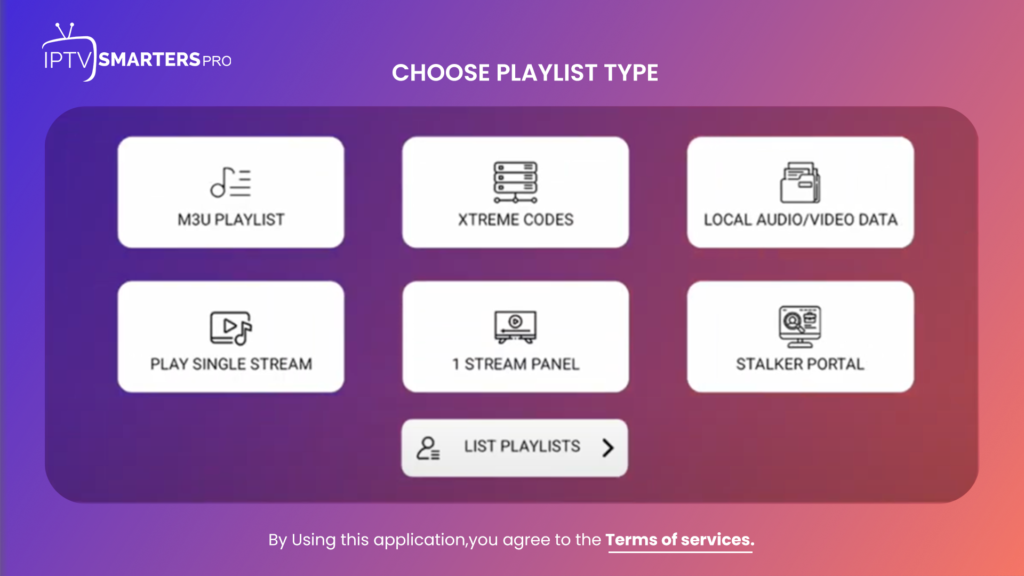
Step 4 : Fill the details from the email we sent you.
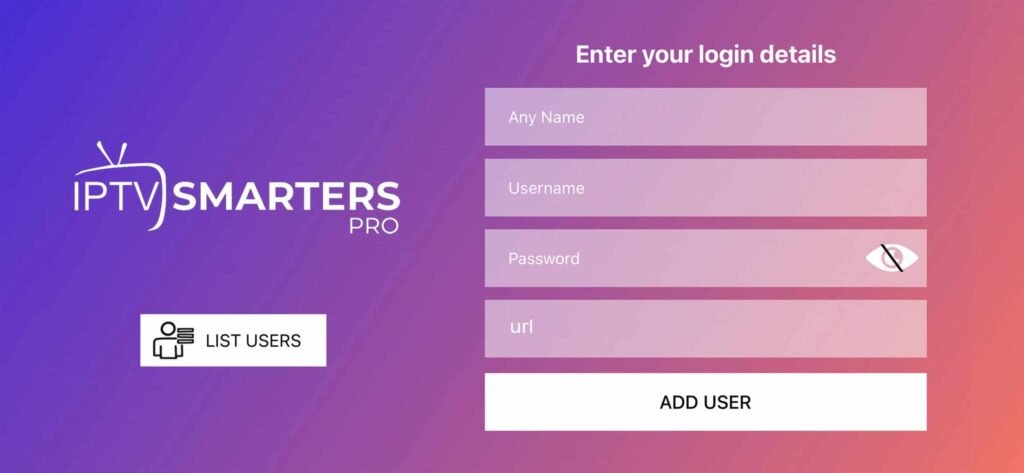
Step 5 : Enjoy watching!